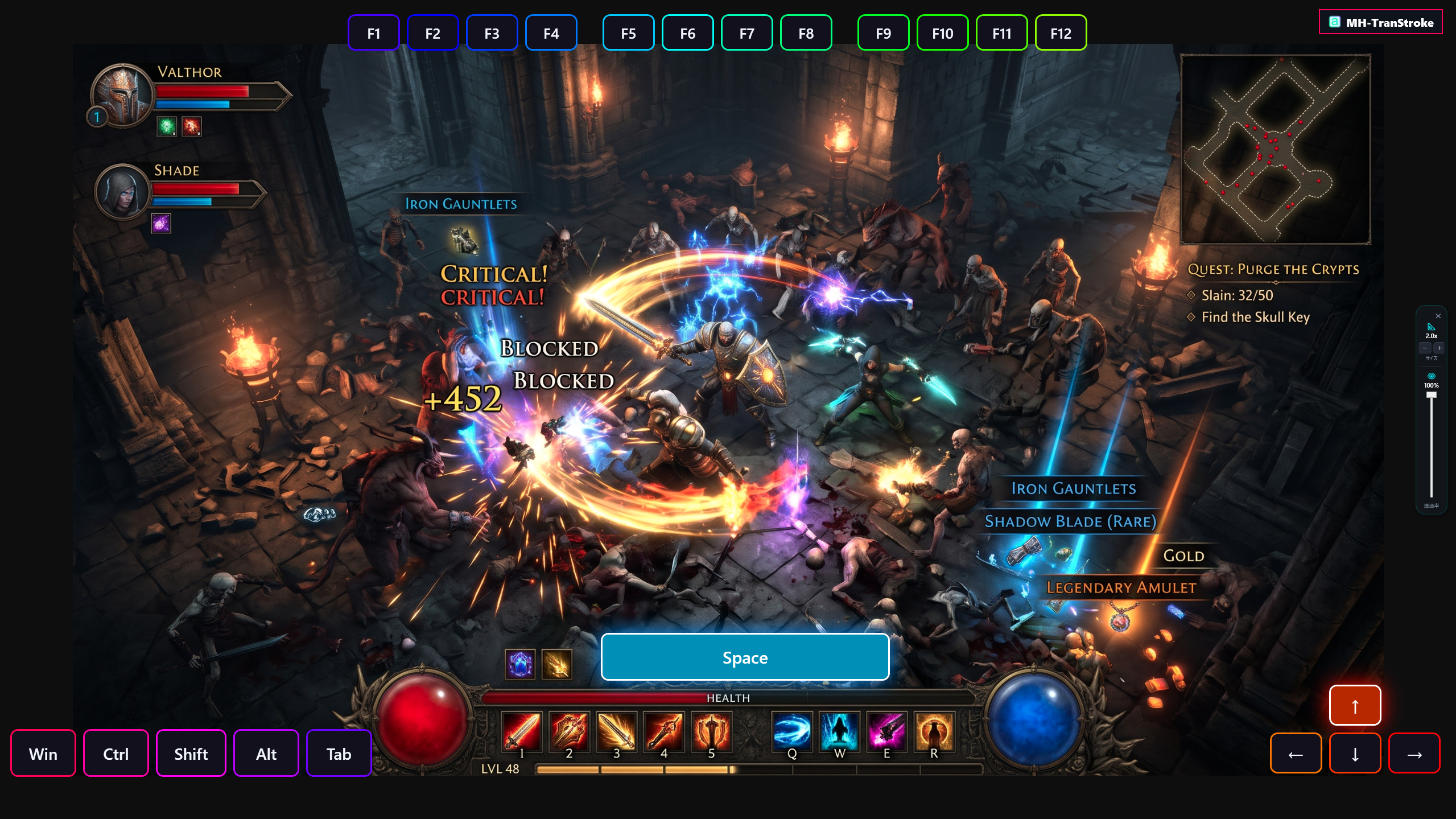
MH-TranStroke
Real-time keystroke overlay tool for livestreams and tutorial videos.
We build lightweight Windows utilities and web services for streamers, PC users, and web creators. No bloated background processes, no external telemetry—just focused tools that work reliably on your machine.
Available on BOOTH (Portable Edition) and the Microsoft Store. Check each app's help page for usage details.
Real-time keystroke overlay tool for livestreams and tutorial videos.
Simple OBS-integrated frame and region highlight utility for presentations and streams.
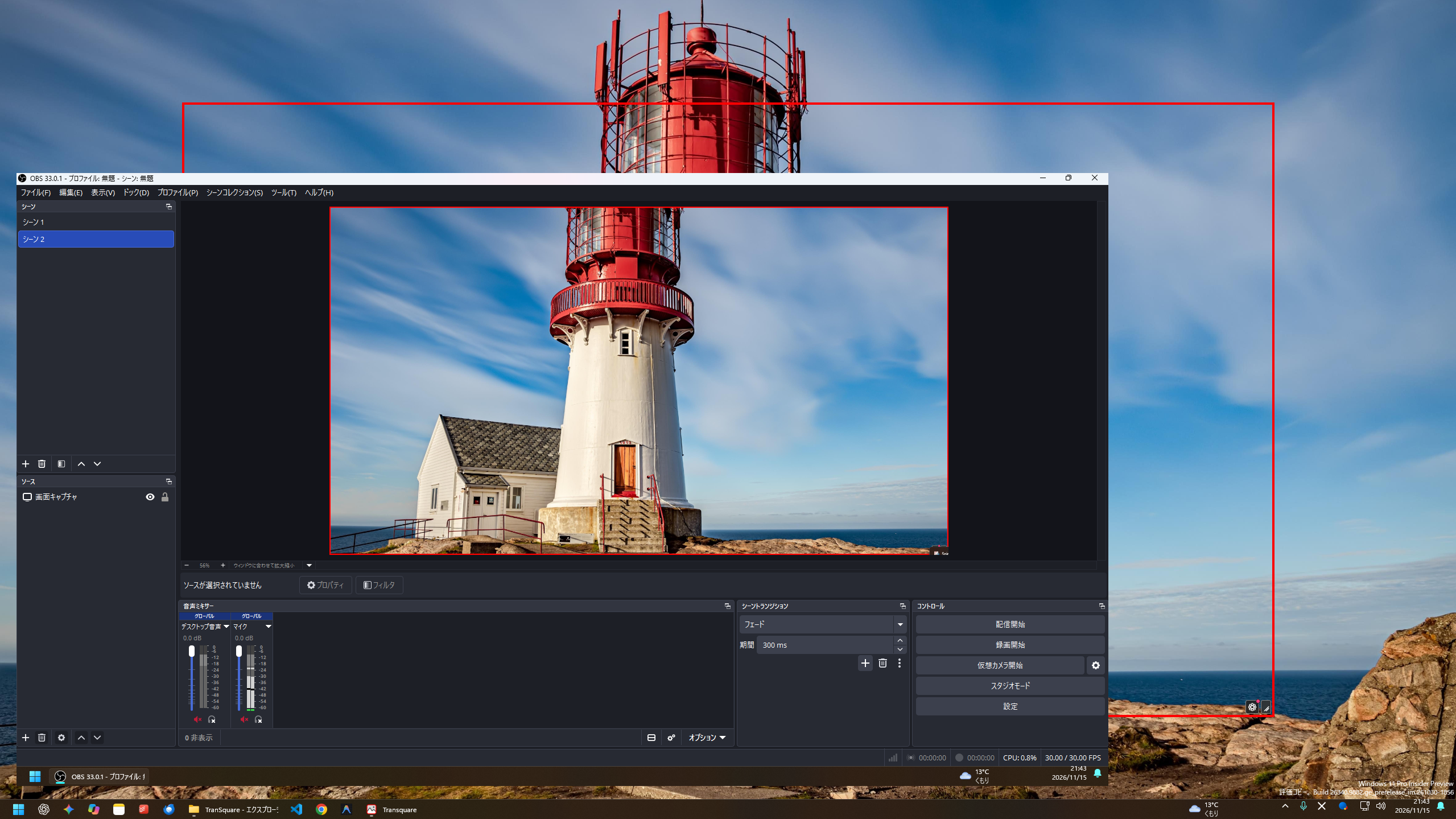
Lightweight utility for screen transparency and display assistance.
Upcoming web services for site owners and web creators, built alongside our desktop tools.
A web service that monitors the vulnerability status and overall health of your site's plugins and libraries using an intuitive "weather forecast" metaphor. Designed so you can check your website's security condition at a glance—sunny, cloudy, or rainy—without wading through dense reports.
General troubleshooting and setup instructions shared across Mahoroba Lab Windows utilities.
Because the portable edition distributed on BOOTH is an independently published executable, Microsoft Defender SmartScreen may display a warning right after release or while download volume is still low.
After verifying that you downloaded the file directly from our official BOOTH page, follow these steps to launch the app:
Once allowed, the warning will not appear on subsequent launches. Note that the Microsoft Store edition is signed and reviewed through the Store, so this warning does not appear.
To composite our overlay utilities cleanly with a transparent background in OBS Studio, check your Window Capture or Game Capture properties:
Please also refer to each app's individual Help & User Guide page for recommended per-app settings.
The uninstallation method depends on how you installed the app:
How Mahoroba Lab Windows applications handle user data and network communication.
In all Windows applications provided by Mahoroba Lab, user keystrokes, screen regions, display information, and configuration settings are processed strictly on your local device. None of this data is ever transmitted to, stored on, or collected by any external server.
To check whether a newer version of the application is available, the app may perform a read-only HTTPS GET request to a public JSON file hosted on GitHub. No personally identifiable information or local user data is transmitted during this check.
Because our applications do not collect user data, no personal information is ever shared with or provided to third parties.
If you have any questions regarding this Privacy Policy, please contact us via our official X account (@mahorobalab). This policy may be updated without prior notice to reflect changes in laws or application specifications.